
Google PageSpeed Insights – how to tell if your website is well optimized
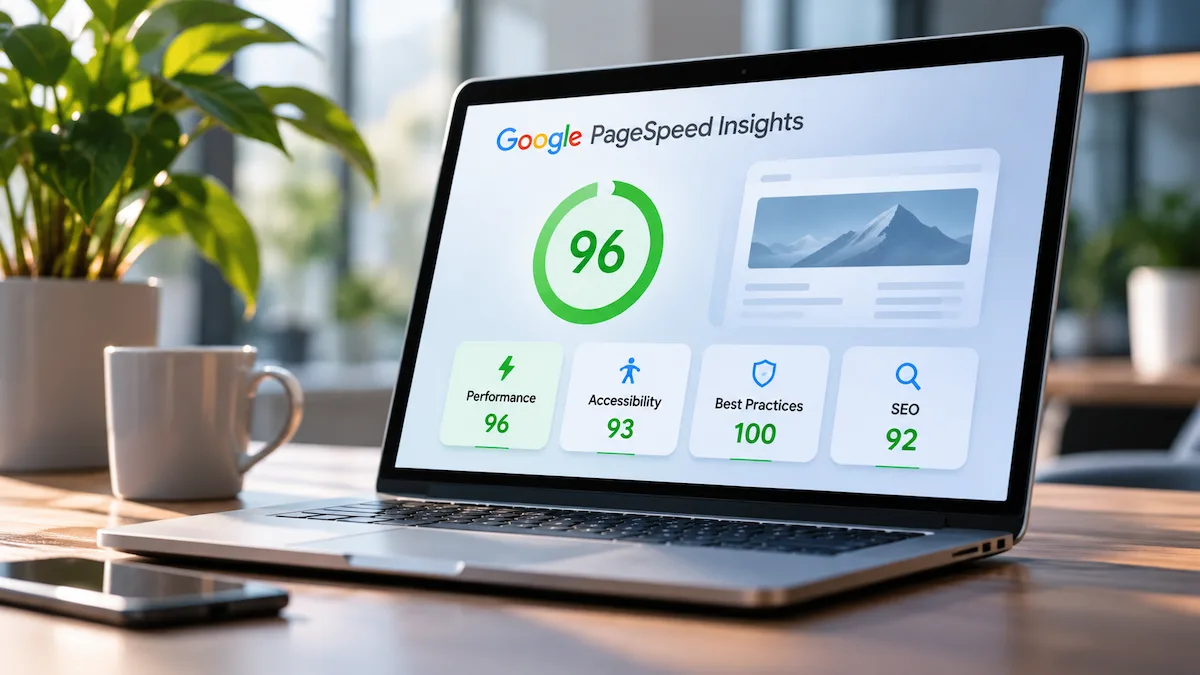
Website speed matters, but it is not the only measure of quality. Google PageSpeed Insights is a free tool that analyses pages and shows how well they are optimized in four areas: Performance, Accessibility, Best Practices and SEO.
Each of these scores looks at a different part of the website and helps you find problems that can affect both the visitor’s experience and how the site appears in Google.
Which scores does Google PageSpeed Insights measure?
Performance
It shows how fast the website loads and how smoothly it responds when someone uses it. The score depends on loading time, how the content is processed, and how stable the page stays.
Accessibility
It measures how convenient and accessible the website is for different people, including those who use assistive technology. It checks things such as contrast, text descriptions of images, structure, and whether the interactive elements can be used.
Best Practices
It checks whether the website follows current technical and web standards. That includes security checks, correct use of technologies, and possible problems in how the site is built.
SEO
It looks at basic technical factors that help search engines find and understand the website’s content. For example, it checks whether the page can be indexed and whether the main SEO elements are set correctly.
Why do all four scores matter?
Each of the four scores shows a different side of the website’s quality. Good performance means fast loading and smooth use, accessibility makes the content easier for more people, sound technical practices reduce the risk of problems, and the SEO checks show whether the basic requirements for search engines to find the site are in place.
A problem in any of these areas can affect how visitors use the website and the results it achieves. A fast website with difficult navigation can turn potential customers away, and a good-looking page with technical indexing problems can stay hard to find in Google.
So do not focus only on the final score or on a single metric. Use the results to find the specific problems and decide which improvements will have the greatest effect on how the website works.